Security
What password manager should you use?
A password manager is a necessity, which one should you use?
Everyone uses passwords, but do you personally use a password manager? If you don't use unique passwords for every service, you risk the chance of getting hacked on everything. Even using the browser password manager isn't good enough because this is the first thing infostealer malware targets. Closed source software is also recommended against because of the nature of it being a "security" app that can't be audited by everyone. That's called security by obscurity which is sort of paradoxical in the first place. So now that we have all that covered, I will list Libre/FOSS(Free and Open Source Software) password managers.
Lets begin.
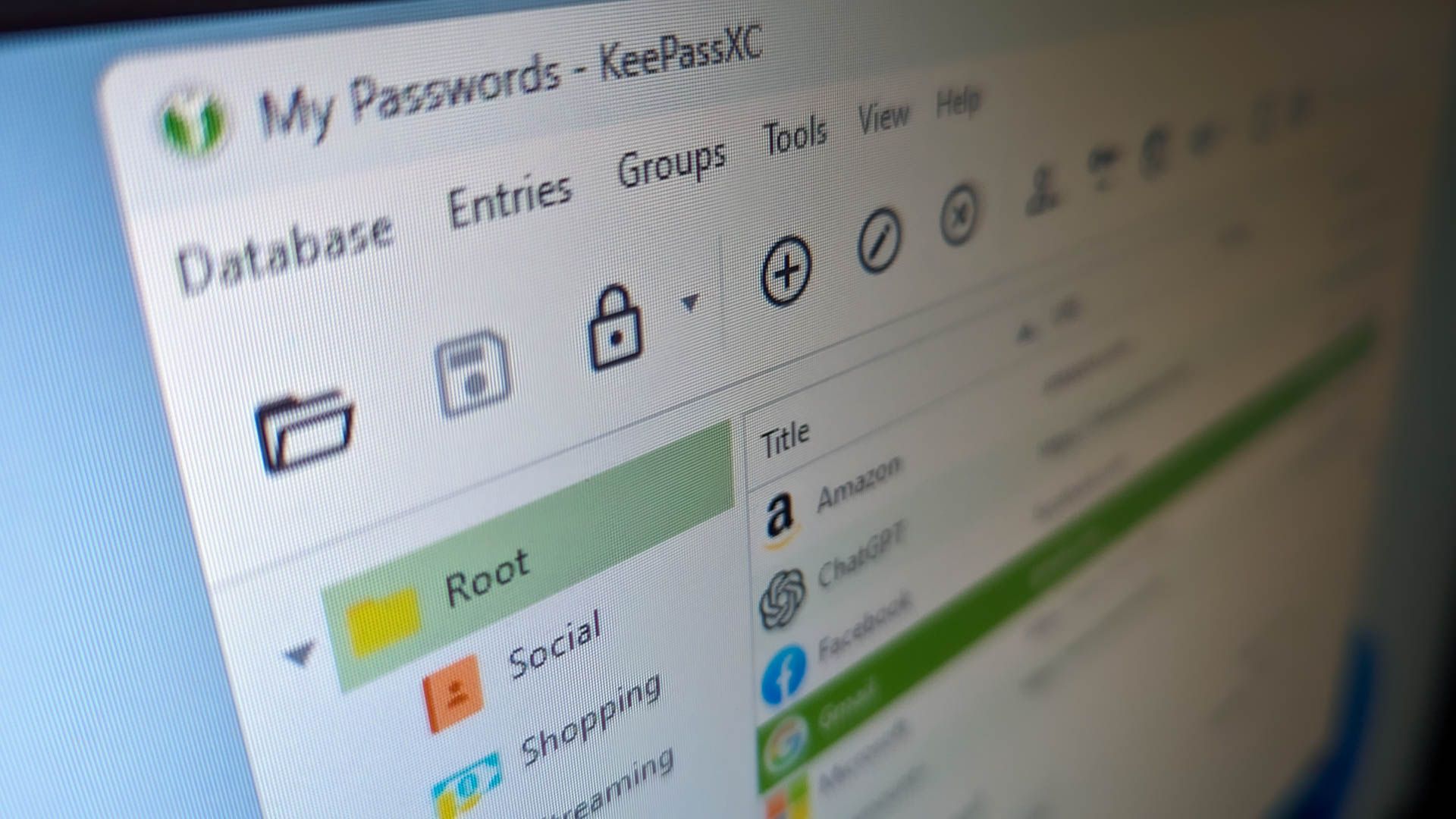
- KeepassXC and its forks:KeepassXC is an open source, encrypted, offline password manager. It has a long history dating back to its very first version over a decade ago. It uses AES-256-bit encryption. When you copy passwords or 2FA they are typically stored for 60 seconds. It also has anti recording and anti screenshotting which is amazing anti-RAT/screensharing security. Because of it's open source nature, the app can be audited by anyone, you, me, or tens of thousands of other people for bugs, vulnerabilities, or backdoors. It also means anyone can fork it or compile it from scratch. You can store TOTP(2FA) keys in it, though, this s recommended against if you have a whole not storing all our eggs in one basket methodology, which is a good one to have in information security. It has versions on OpenBSD, Linux/GNU, Android, Mac, Windows, and iPhone. If you want it to be even extra secure, you could use a portable version along with your .kdbx file on a Veracrypt encrypted container on a USB! Don't forget to do 3-2-1 backups. The Github(Gothub frontend for privacy): Link
- Bitwarden: Bitwarden is primarily an online only, yet FOSS password manager. You own your keys but you rely on a third party for uptime, and you put your trust into them. You have to Pay to store TOTP keys, which means you're paying to someone else to store something in a way that is actually less secure than just using a dedicated 2FA app, HW TOTP key, or if you were extra desperate to store them in a password manager, just use KeepassXC. Yet it is still highly regarded in the privacy community. It doesn't have the same anti-screensharing /anti-RAT/anti-screenshot feature KeepassXC does, nor does it wipe its data from keyboard making it comparably less secure than KeepassXC. I'd highly suggest KeepassXC over this due to the lack of security features besides just storing passwords encrypted, lack of TOTP support, and the risk of trusting a third party. If you would like the idea of an online password manager, check the next one. The Github(Gothub frontend for privacy): Link
- Vaultwarden: Like Bitwarden, but better. It is lesser known though. Vaultwarden is something you can set up to self host yourself and point it to a domain you own if you wanted to access it on any device. You can now store TOTP keys too if you wanted this feature. You dont have to rely on any third party besides your host, but if you're self hosting that typically implies using your own hardware. And it still has the same security downsides as Bitwarden. Like KeepassXC, do 3-2-1 backups regularly. Regularly as in any time you save data to it. The Github(Gothub frontend for privacy): Link


Discussion
Anonymous comments
No comments yet. Be the first.